Why Are AI Anime Generator Portraits Taking Over Social Feeds?
Scroll through any social feed today and you will spot them within seconds: a glowing portrait with big expressive eyes, clean cel shading, and colours that look pulled straight from a late-night anime episode. These are not drawings from a studio. They are anime-style portraits made with an ai anime generator, and they have become one of the fastest-growing visual trends on Instagram, TikTok, and X. Creators use them for profile pictures, story covers, video thumbnails, and even brand mascots. So what is driving the trend? This article looks at the appeal, the styles, and the simple habits that make an anime portrait work.
What Makes Anime Portraits So Scroll-Stopping?
Real photos fill every feed, so a drawn face stands out at once. Anime portraits use bold lines, large eyes, and bright colour to create a focal point that the eye finds in a fraction of a second. On a small phone screen, that clarity matters: a portrait that reads well at thumbnail size earns the tap, while one that turns to mush gets scrolled past.
There is also an emotional shortcut at work. Most people grew up with some form of animation, so the style feels familiar and friendly before a single word is read. A serious topic feels lighter with an anime face on it, and a fun one feels more playful. That warmth lowers the barrier to a like or a follow.
Speed is the third reason. With an ai anime generator tool, a single selfie can become a polished character portrait in under a minute, and that speed is a big part of the appeal. Creators can test a new look in the morning and post it by lunch, then try a different style the next day without a shoot or an artist.
How an AI Anime Generator Turns One Photo Into a Character
The process is simpler than most people expect. You start with a photo of yourself, or with a short written prompt describing the character you want. The generator studies the face, the pose, and the mood of the input, then redraws it in the style you picked. The result keeps the likeness while changing the finish.
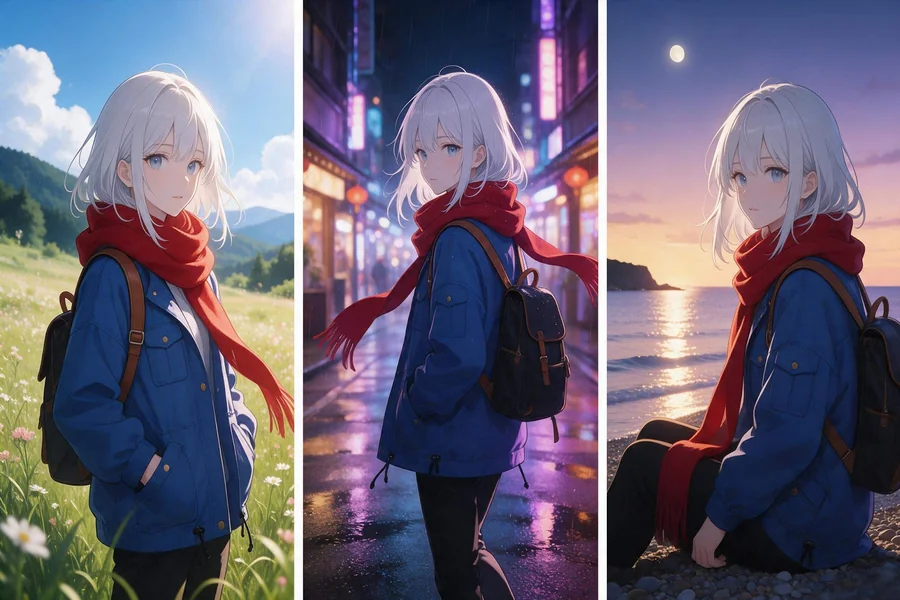
Consistency is where the better tools earn their keep. A single portrait is easy; a matching set is harder. Keeping the hairstyle, outfit, colour palette, and face shape steady across several images is what turns a one-off picture into a recognisable character. CapCut’s ai anime generator is one tool creators use for this kind of work, because it lets you start from a reference image and adjust the style in small steps.
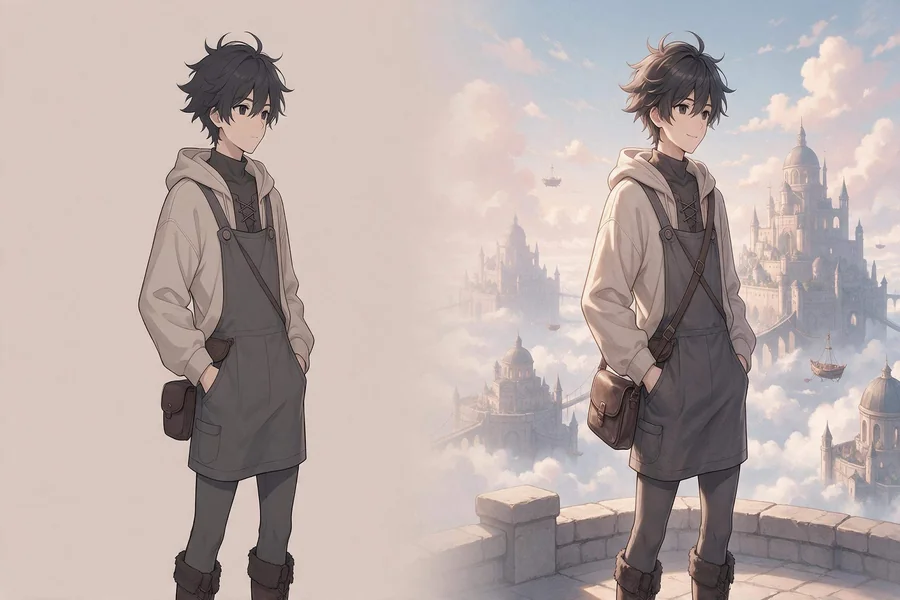
It also helps to think in small steps yourself. Change the pose first, then the background, then the lighting. When only one thing changes at a time, you can see what helped and what hurt, and you keep the versions that work.
Why Creators Pick Anime Over Real Photos
Privacy is the first reason many creators give. An anime portrait lets someone build a public identity without putting their real face on every post. That matters for people who talk about personal topics, for younger creators, and for anyone who simply prefers a little distance between their online self and their daily life.
Cost is the second reason. A photo shoot needs a camera, light, location, and time. An anime portrait needs a phone and a few minutes. For small creators, that low cost removes the biggest barrier to looking polished.
The third reason is freedom. A real photo shows what is there. An anime portrait shows what you imagine: different hair, a fantasy setting, a mascot version of yourself, or a character that fits a series. That freedom suits gaming channels, storytellers, musicians, and anyone building a world rather than just a feed.
The Styles People Recognise Instantly
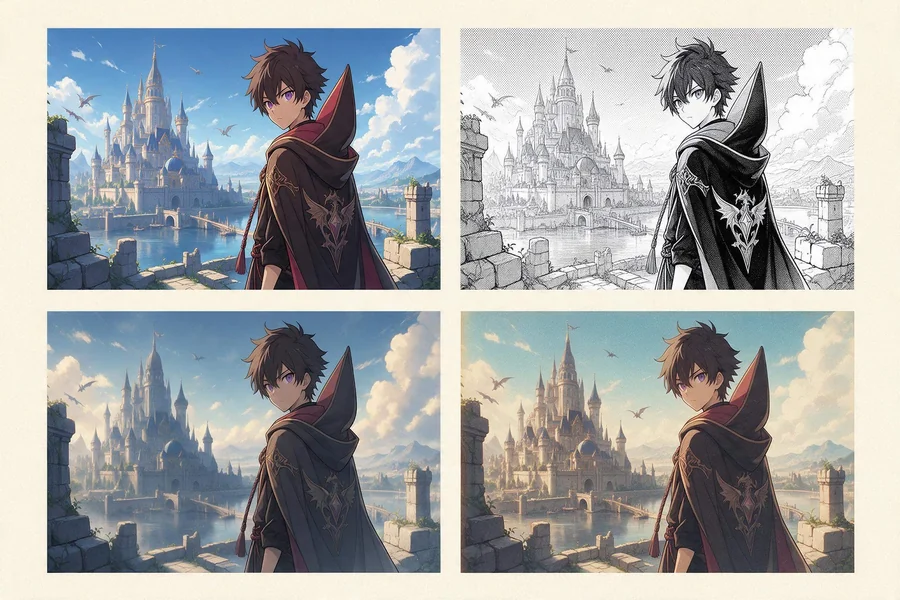
Not all anime portraits look the same, and the style you pick says a lot about your content. Cel shading gives bold outlines and flat colour, the classic look of TV anime, and it works well for thumbnails because it stays clear at small sizes. Manga line art is lighter and more detailed, which suits story covers and quote cards.
Soft illustration, with gentle gradients and warm light, fits lifestyle and beauty content. Cinematic lighting adds drama and depth, which suits music and film channels. Retro animation, with its slightly faded palette, gives a nostalgic feel that works for commentary and throwback posts. Game concept art, with sharp detail and strong poses, fits gaming and fantasy content.
Once you find a look you like, an ai anime generator tool can repeat it across a whole set of portraits, so your feed keeps one clear visual identity. Pick the style first, then use it everywhere. A feed with one steady style looks planned, and planned feeds earn trust faster than mixed ones.
Where Anime Portraits Work Best on Social Media
Profile pictures are the obvious home for an anime portrait. A clear, colourful face is easy to spot in a comment thread, and people start to recognise you by the character before they read your name. That recognition is worth more than a single post.
Thumbnails are the second strong spot. A video thumbnail has a fraction of a second to earn a click, and an expressive anime face with bold colour does that job well. Pair it with short text and empty space, and the thumbnail stays readable on a small screen.
Story covers, channel banners, and pinned posts are also good places. They frame your profile and tell a new visitor what your content feels like. VTubers take this further, using the same character live on camera, so the portrait becomes the face of the whole channel.
How to Make Your Anime Portrait Stand Out
Start with a good reference photo. Use clear light, face the camera, and keep the background simple. A messy or dark photo gives the generator little to work with, and the result shows it. A clean reference is the cheapest way to get a better portrait.
Next, write a prompt with specifics: the hairstyle, the outfit, the mood, and the setting, instead of something generic. “Smiling character with short black hair, denim jacket, soft evening light” will beat “cool anime portrait” every time, because the generator has real details to follow.
Before you post, compare two or three versions side by side; an ai anime generator tool makes that quick, and the comparison usually shows which portrait reads best at thumbnail size. Check the eyes first, then the outline, then the background. If the face looks right at small size, it will look right everywhere else.
What to Watch Out For Before You Post
The trend has a few traps. The first is sameness. When thousands of creators use the same style with similar prompts, the feeds start to look identical. Your portrait should carry something of your own: a colour, a prop, or a setting that people link to you.
The second trap is honesty. An anime portrait is a stylised version of you, not a disguise. Do not use it to pretend to be someone else, and do not use a real person’s photo without their permission. Most platforms accept illustrated avatars, but they still expect a real account behind them.
Finally, keep the quality bar high. A blurry or awkward portrait hurts more than no portrait at all. If a version looks wrong, change one thing and try again.
Anime portraits took over social feeds because they are fast to make, easy to recognise, and fun to look at. An ai anime generator gives any creator a consistent character without a camera, a studio, or drawing skills, and the best results come from a clear reference, one steady style, and a little patience. Pick a look that fits your content, keep it consistent, and let the portrait do the talking. If your first try looks off, change one thing at a time and try again.


